← Back to Home
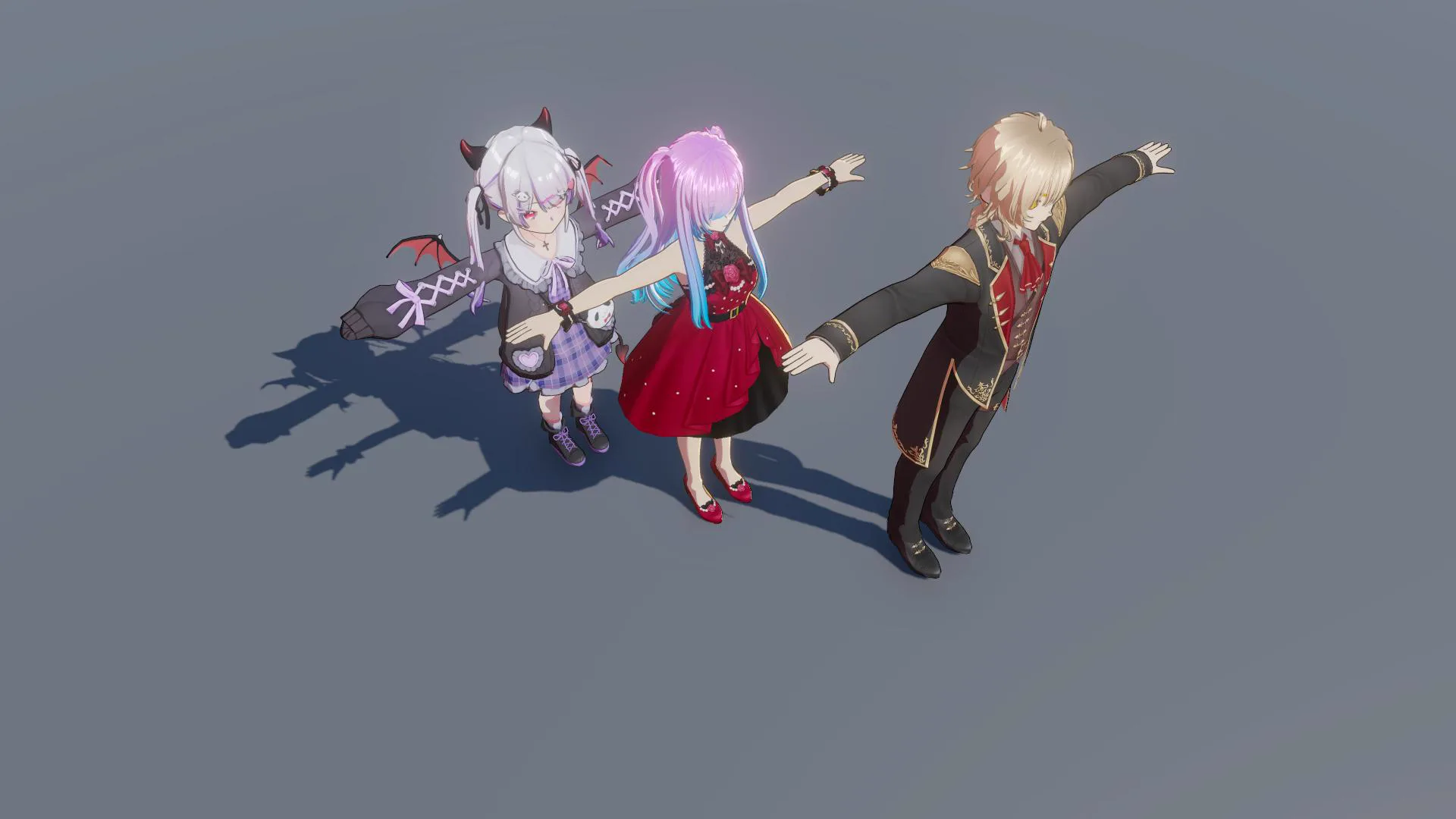
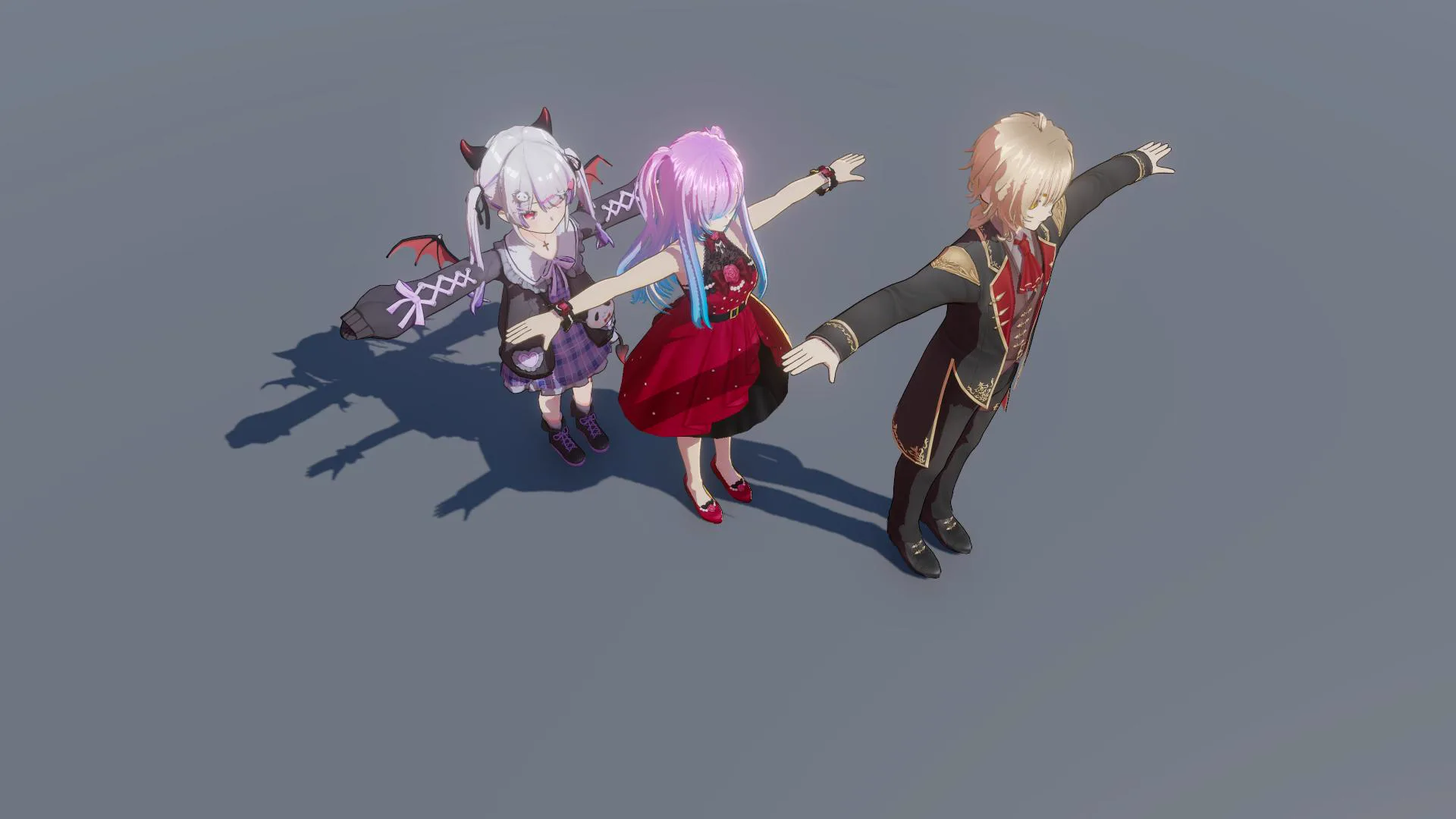
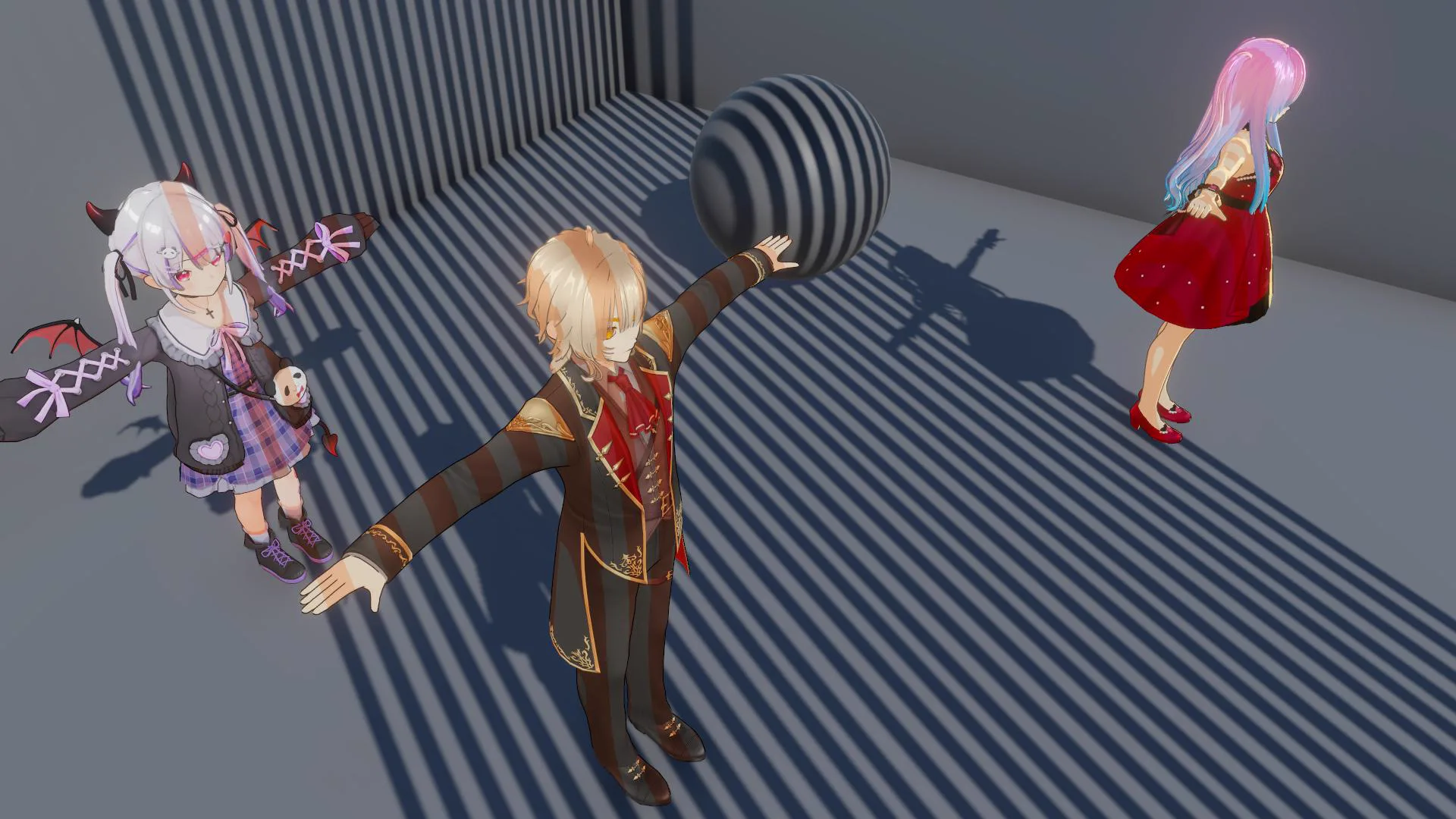
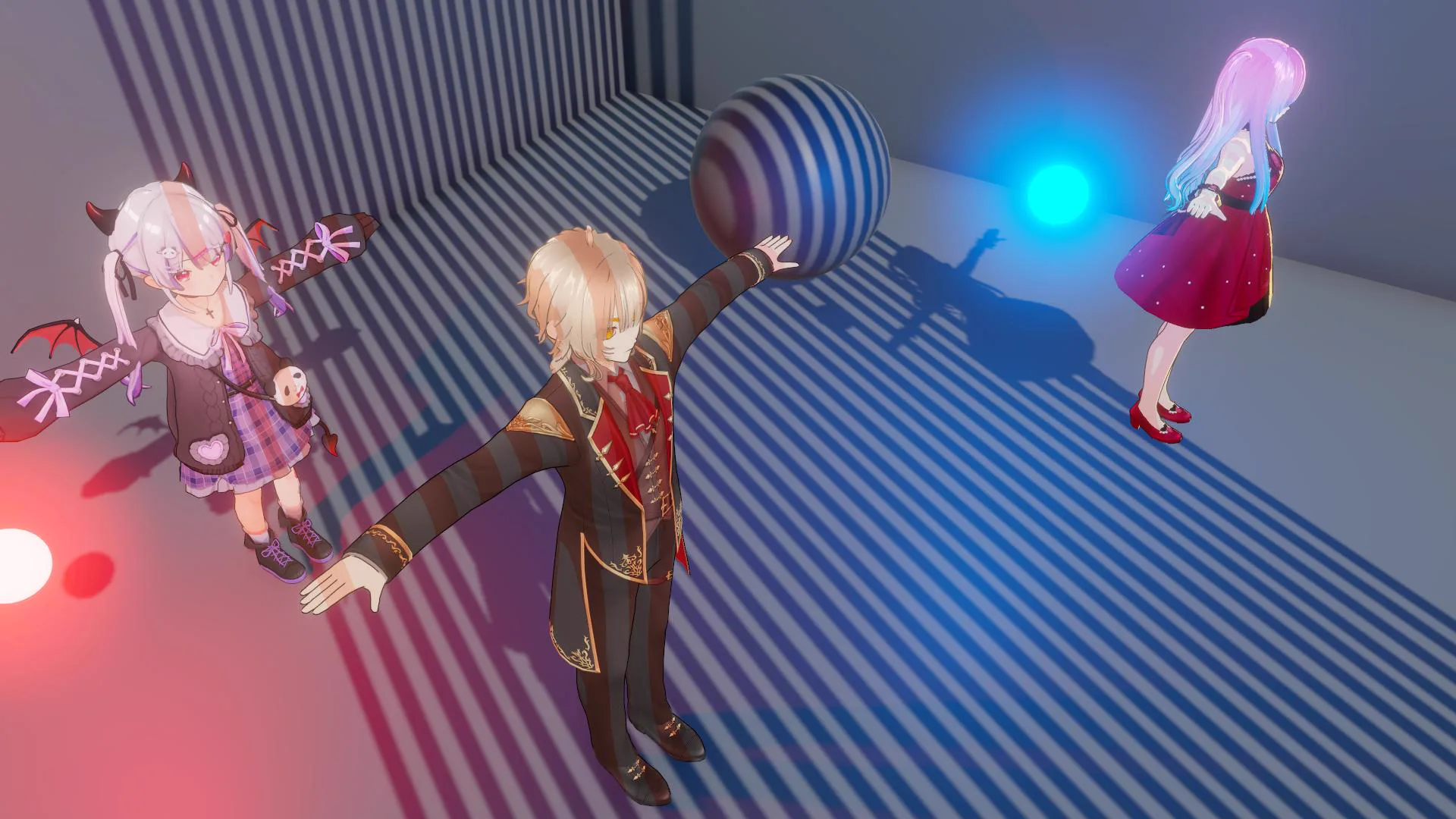
Base Character Lighting
Realtime Lighting ReceiveShadow Off
Realtime Lighting ReceiveShadow On
Baked ShadowMask Point Light Off
Baked ShadowMask Point Light On
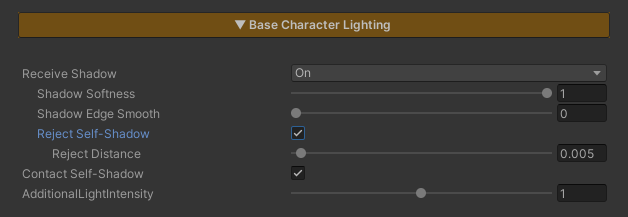
This section controls the character’s lighting and shadow behavior.
Parameters
- Receive Shadow : Enables or disables receiving shadows cast by other objects
- When to Enable = Allow environmental objects to cast shadows onto characters.
- When to Disable = Characters that should not receive projected shadows from other objects.
- Shadow Softness : Controls the softness of Receive Shadows.
- Lower values = softer and more blurred shadows
- Higher values = sharper shadows
- Shadow Edge Smooth : Controls the softness of Receive Shadow edges.
- Lower values = softer and more blurred shadow edges
- Higher values = sharper shadow edges
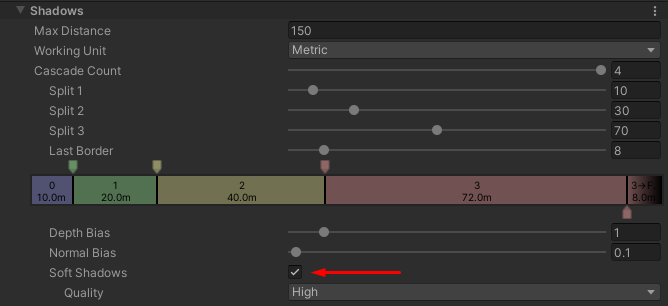
Tip: For maximum effect, make sure Soft Shadows is enabled in the URP Renderer Asset. Without it, shadow softness may appear limited.
- Reject Self-Shadow : Enable this option when you want the character to receive shadows from the environment while preventing shadows cast by the character itself.
- Reject Self-Shadow Distance : Controls the distance threshold used to remove self-shadowing.
- Lower values = more self-shadows are preserved
- Higher values = fewer self-shadows are visible, or they may be completely removed
Tip: Increase this value until unwanted self-shadows disappear while keeping shadows from other objects intact.
- Contact Self-Shadow : Enables contact shadows cast by the character itself, commonly used to render hair shadows on the face.
- Additional Light Intensity : Controls the intensity of secondary lights such as Point Lights and Spot Lights; this value does not affect the main Directional Light in the scene