← Back to Home
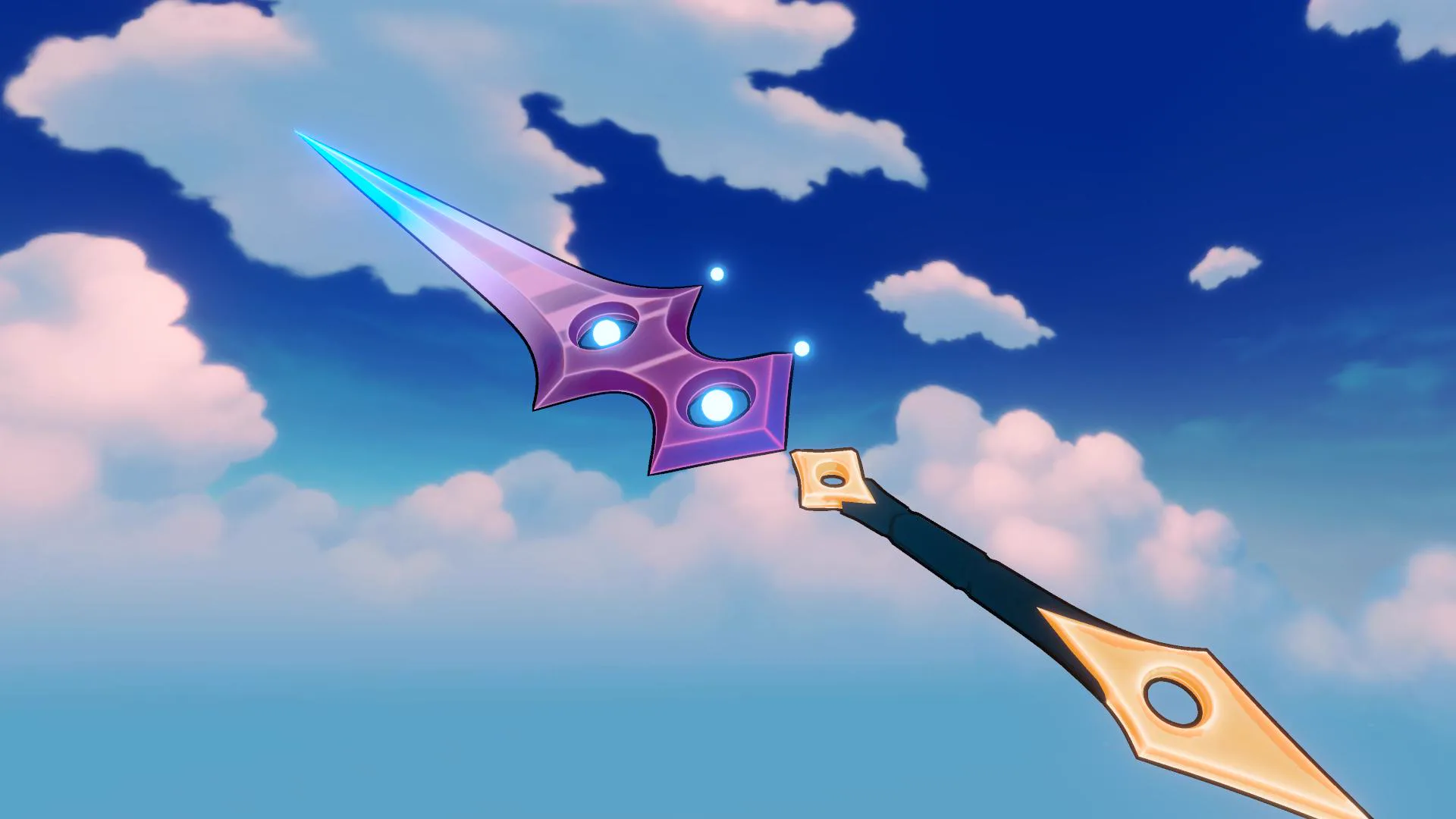

Metallic
Metallic Off
Metallic On

Example setup for the metallic effect on the sword above.
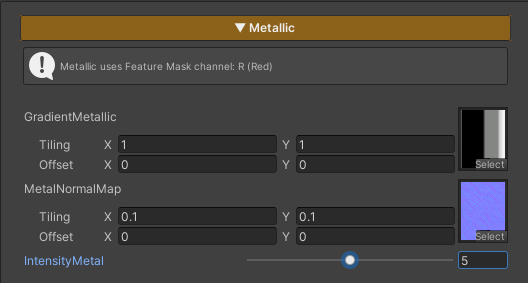
Metallic is used for character parts made of metal materials, adding shine and surface depth.
If no Feature Mask (Red Channel) is assigned to define the active area, this feature will not be applied.
Parameters
- Gradient Metallic : Uses the
T_Gradient_Metallictexture to control the metallic reflection behavior. Adjusting Tiling and Offset is not recommended, in order to achieve results as intended by the design - MetalNormalMap : Uses a normal texture to add surface detail to metallic areas. The default texture is
T_Normal- Lower Tiling values (e.g. 0.05 × 0.05) produce a more toon-style look
- Higher Tiling values (e.g. 30 × 30) produce a more semi-realistic look
- Intensity Metal : Controls the brightness of the metallic areas