← Back to Home
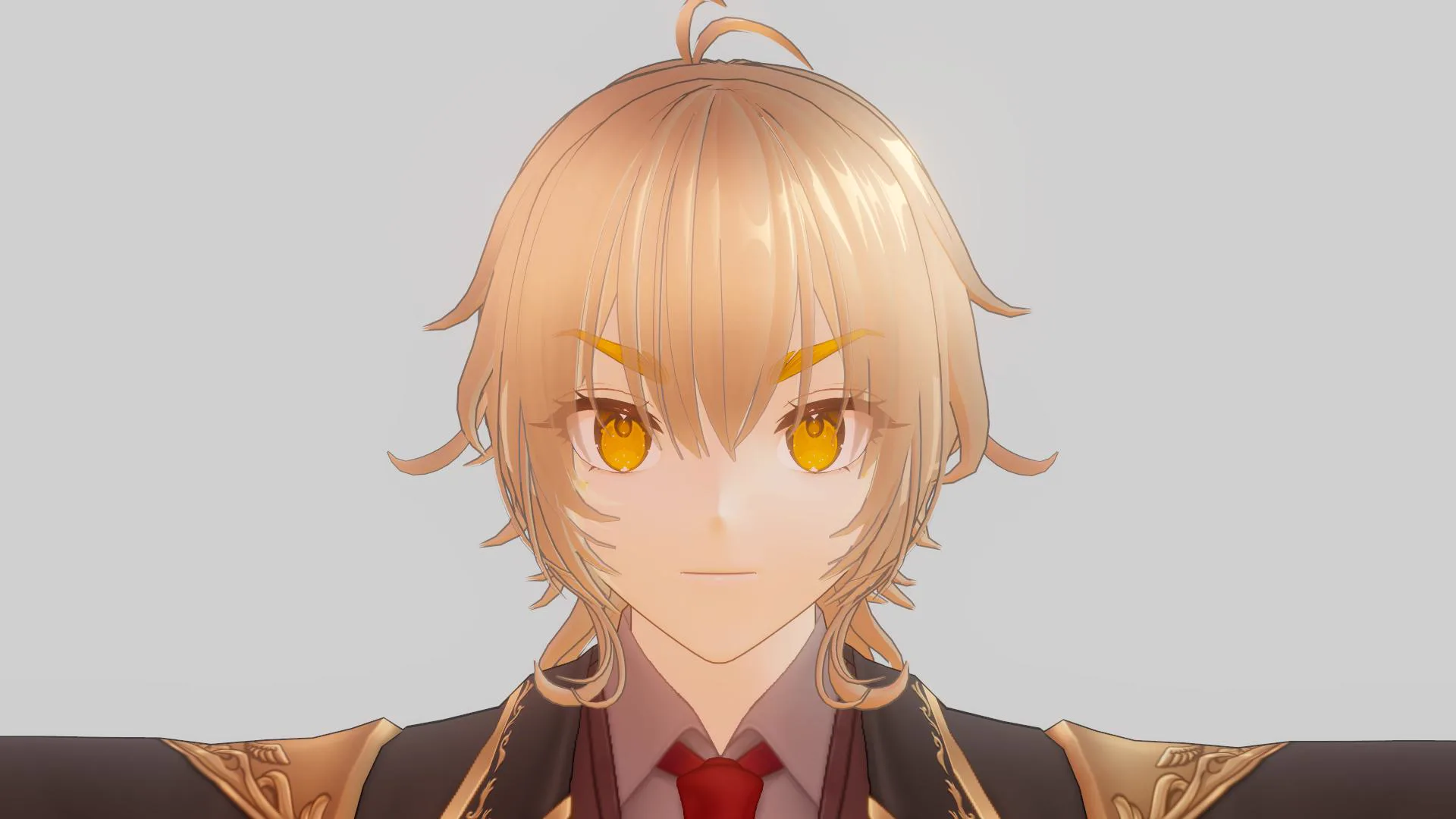
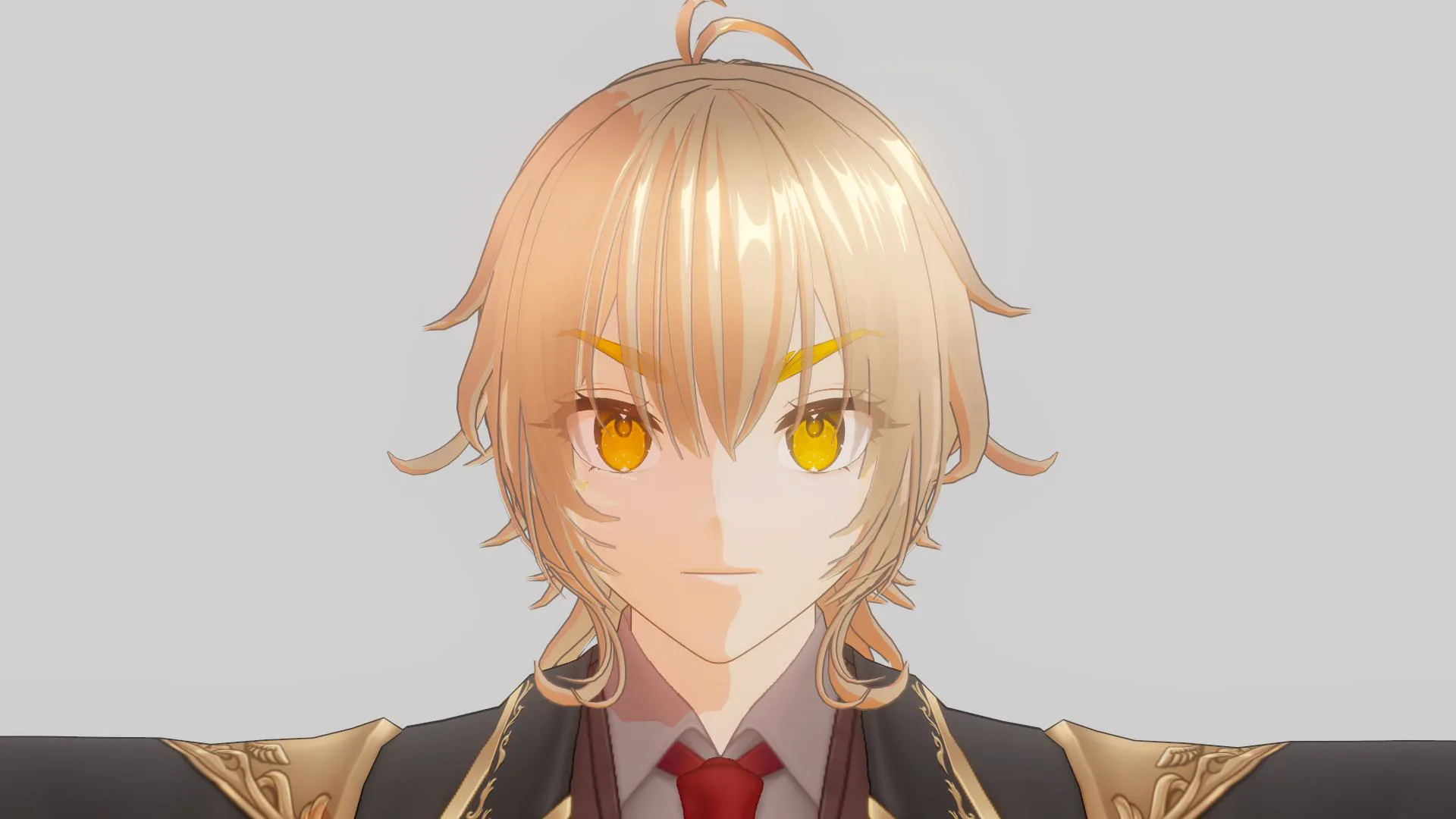
ToonRampShade
ToonRampSmooth : 1
ToonRampSmooth : 0

Controls how light turns into shadow: how sharp the edge is, the shadow color, and whether the shadow side has one tone or two.
Shadow Steps
- 1 Shadow : Light and shadow, the classic cel look
- 2 Shadows : Adds a second, deeper shadow where the surface turns further from the light, for more volume
Parameters
- ToonRampSmooth : Softness of the light/shadow edge (0 = hard cel edge / higher = smoother)
- Shadow Color : Color of the shadow side
2 Shadows only (2 Shadows will be added in Version 2.3.0.)
- Second Shadow Color : Color of the second shadow, used exactly as set (not mixed with Shadow Color)
- Second Shadow Threshold : How far the surface must turn from the light before the second shadow starts (0 = right after the light edge / higher = only the far side)
- Second Shadow Smooth : Softness of the edge between the two shadows
- Debug Shadows : Shows light / shadow / second shadow as flat greys, useful while tuning the Threshold
- Shadow Edge : Darker band along the light/shadow boundary. See Shadow Edge
Second Shadow on the Face
On Face Shadow materials the second shadow comes from the Face Texture, so its shape is hand-drawn like the first:
- R / G : First shadow (G = R mirrored)
- B / A : Second shadow (A = B mirrored)
If you enable the Face Shadow Property feature, the Second Shadow adjustment will be hidden.
Tips
- If the second shadow covers too much, raise Second Shadow Threshold
- If the two steps look like one, give Second Shadow Color more contrast against Shadow Color
- If the step edges flicker at a distance, raise ToonRampSmooth or Second Shadow Smooth slightly
Performance
2 Shadows costs a few arithmetic operations per pixel and no extra texture sample.